
 Windows Store
  Steam
Steam  App Store
  Itch.io (Windows + Mac)
  Microsoft Edge
  Google Chrome
 What is Sharp Stock for?
It is a local game asset workspace for indie developers, game artists, and small teams. Use it to find, preview, prepare, and reuse images, audio, fonts, Spine animations, and supported 3D models across projects.

Turn scattered game files into assets ready for production.
Find, inspect, prepare, and reuse them in one local workspace.
Manage your full game asset library with no asset-count limit.
Try the core workflow with up to 100 assets before you buy.
Collect webpage images and audio into your local asset library.
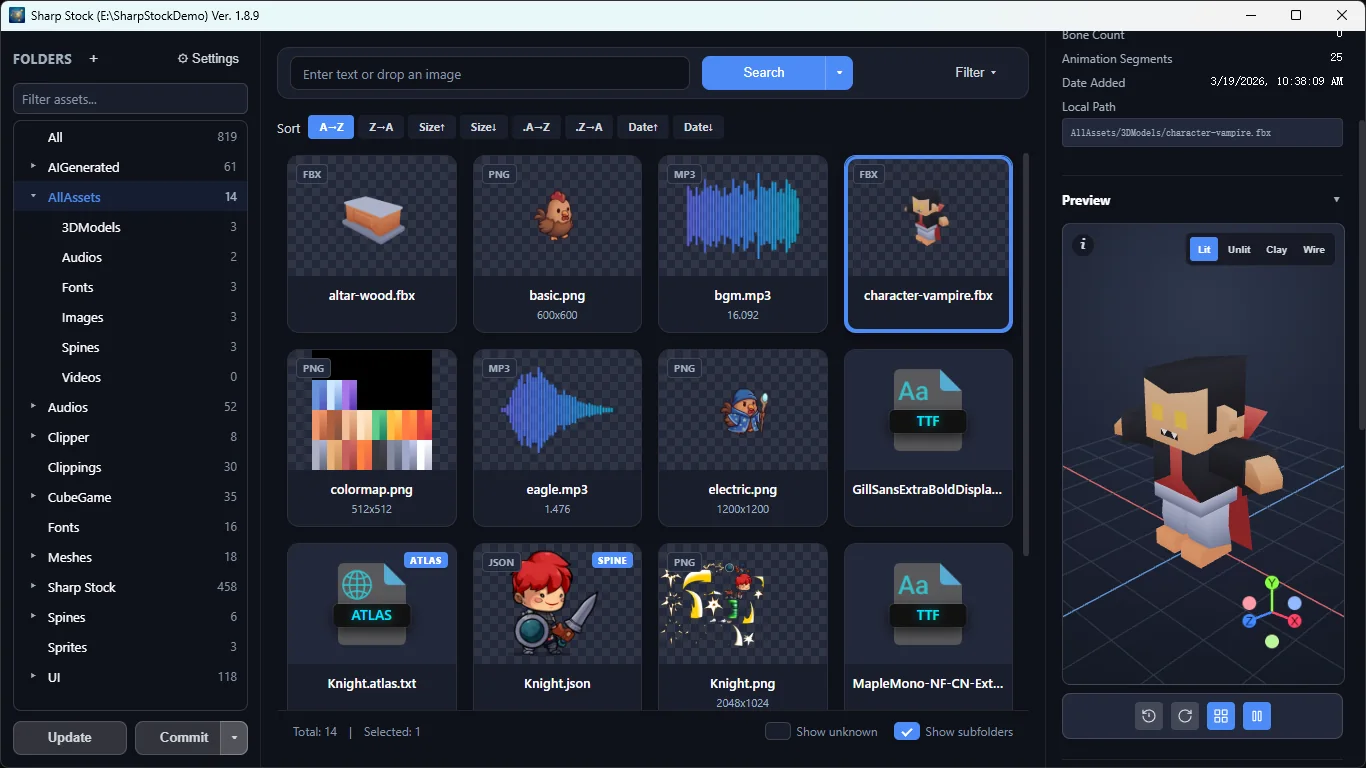
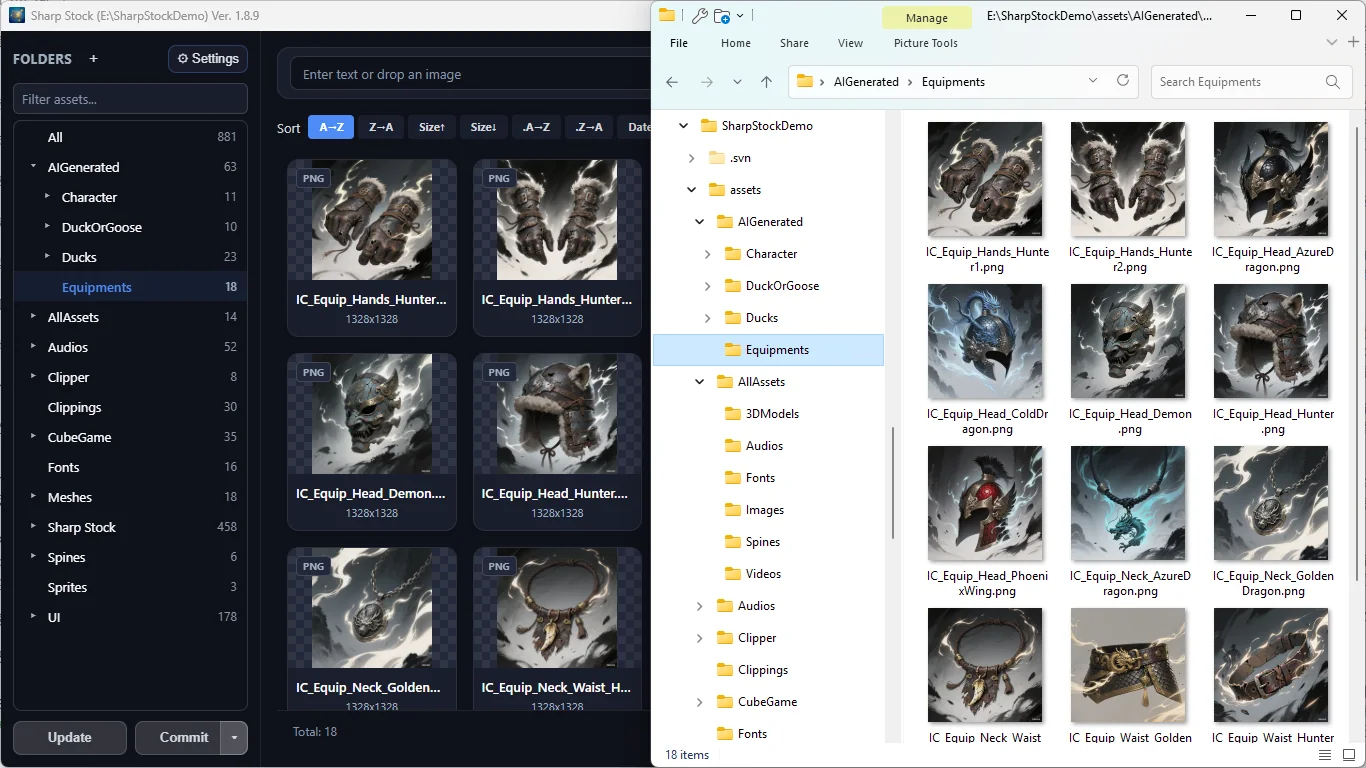
Keep images, audio, fonts, Spine, 3D, and sprites together on your disk. Import from folders, or use the optional Sharp Stock Clipper extension to collect webpage images and audio with available source URLs.
Search names, tags, and descriptions. When words are not enough, use a reference image for local visual search or narrow artwork by dominant color.
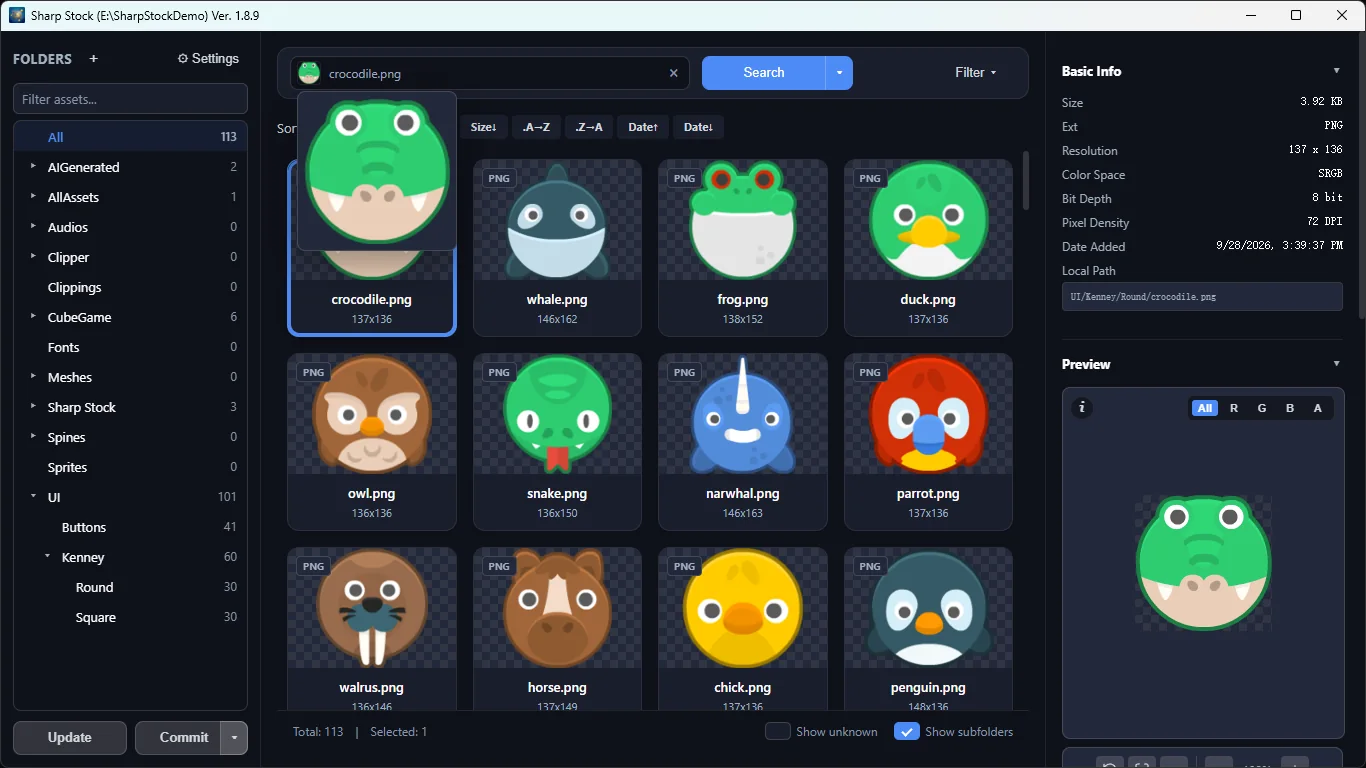
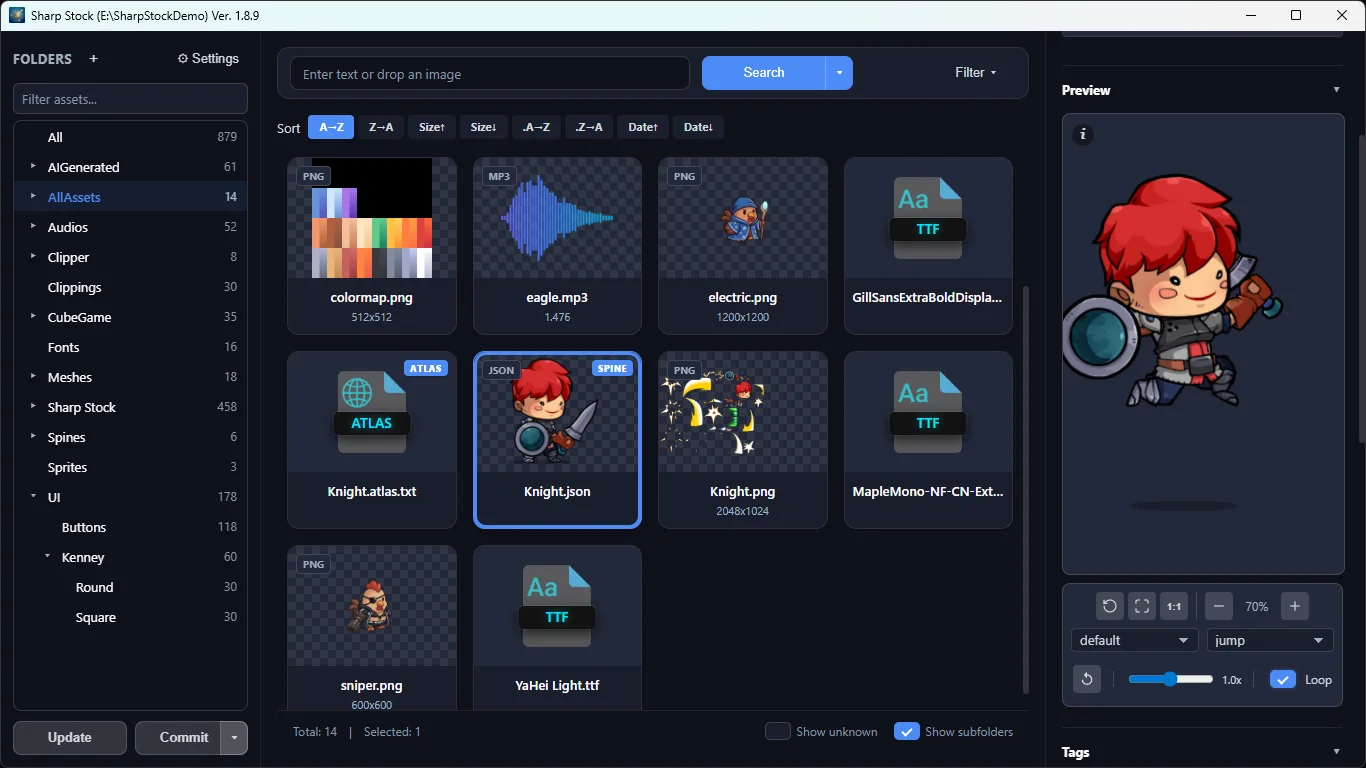
Play Spine animations, rotate supported 3D models, listen to audio waveforms, and preview images, fonts, and atlases before choosing what belongs in your game.
Local AI finds similar artwork and removes backgrounds after model download. In Windows Store and Mac App Store builds, an optional compatible AI API can create editable image and audio tags and descriptions for later search.
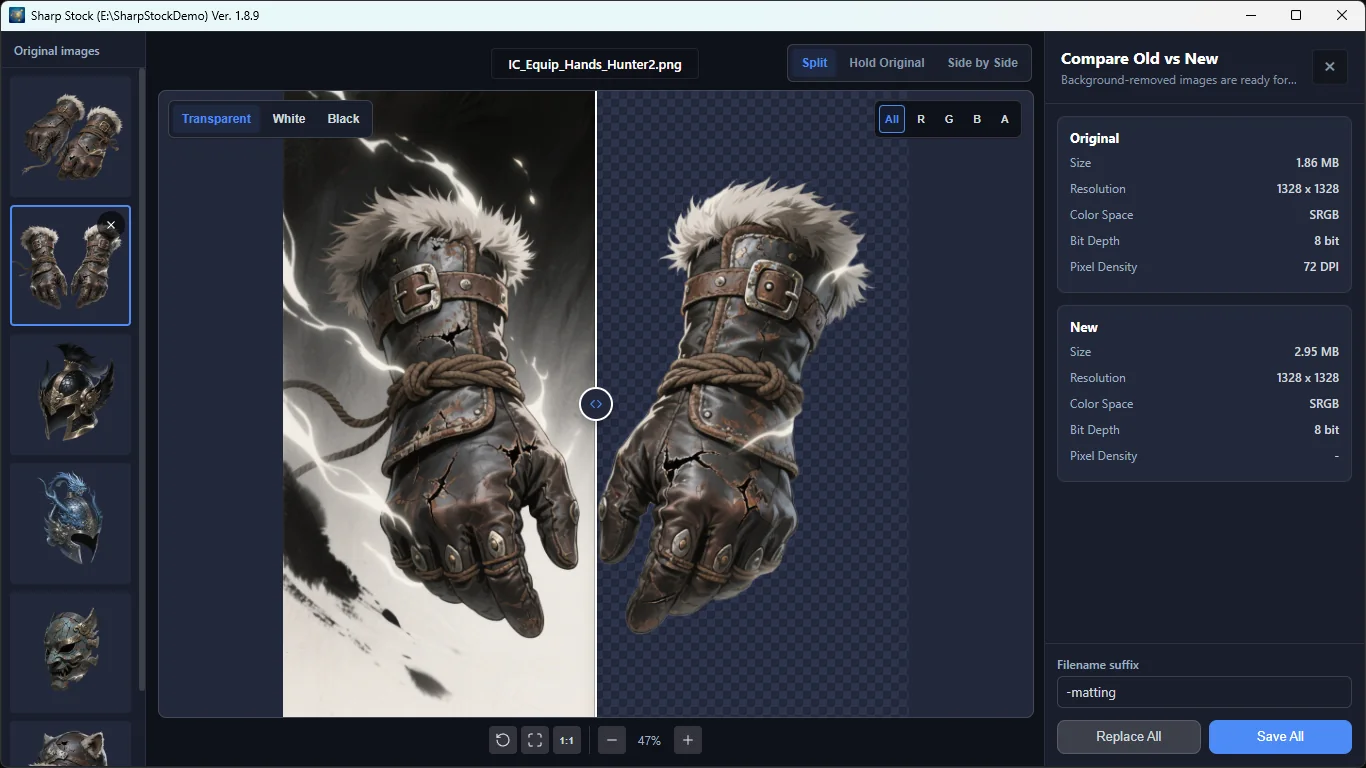
Make cutouts, resize and rename in batches, compress images, split sprites, and pack texture atlases without losing the asset context. Video conversion is available when needed.
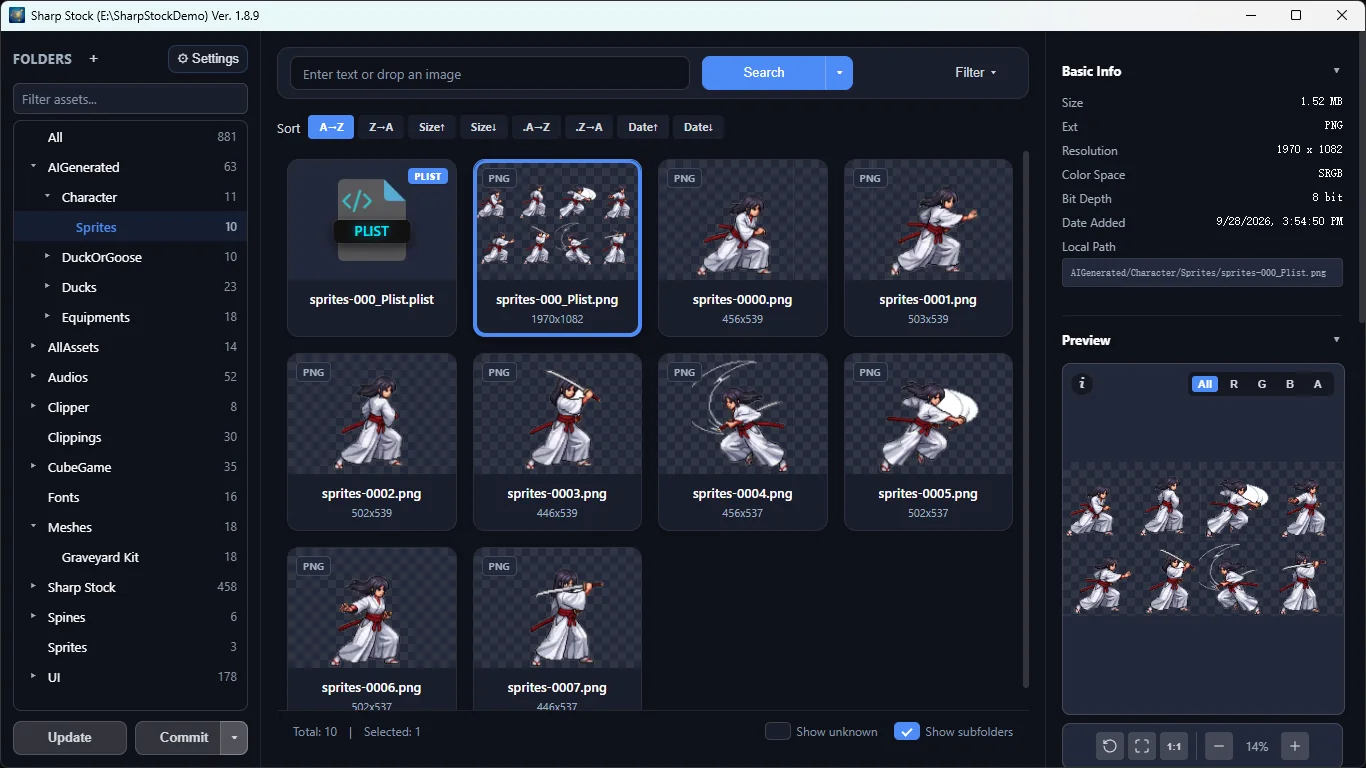
External files are copied into the local library without changing their sources. Drag selected assets into a project; teams already using SVN can choose the built-in version-control workflow.
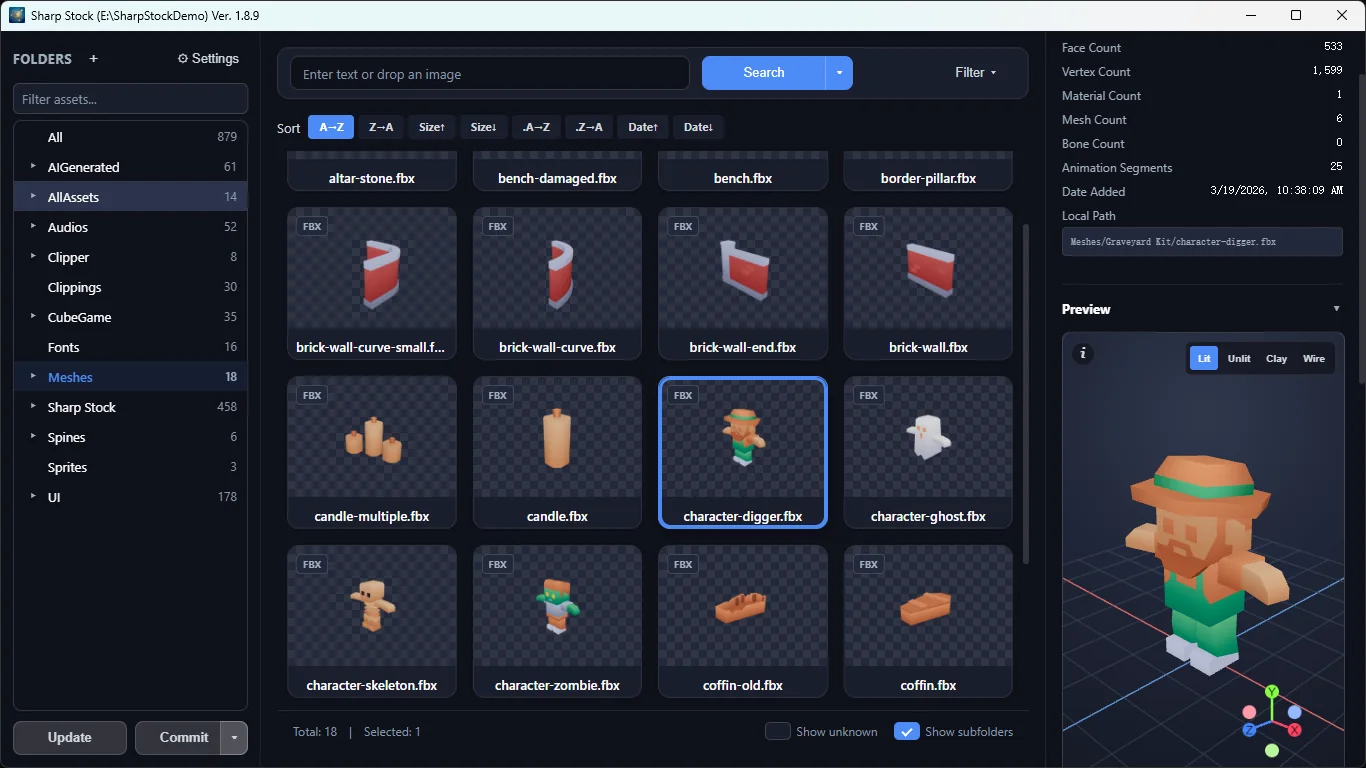
Rotate and inspect supported models without opening a game engine.
Some materials shown in application screenshots are from third parties, for interface demonstration only; copyright remains with the respective owners.
* Local visual search and AI background removal run on your device after model download. Optional image/audio tags and descriptions send relevant content to your configured AI API endpoint, local or remote, and are not available in the Steam build.
† Squoosh compression runs locally. TinyPNG requires your own API token and is not available in the Steam build.
It is a local game asset workspace for indie developers, game artists, and small teams. Use it to find, preview, prepare, and reuse images, audio, fonts, Spine animations, and supported 3D models across projects.
The library and its files are stored on your disk. Visual search and AI background removal run locally after model download. Optional AI tags and descriptions send relevant content to the API endpoint you configure.
Steam includes local visual search, local AI background removal, and local Squoosh compression. AI-generated tags and descriptions and the TinyPNG API mode are not available there.
Yes. Sharp Stock Lite and Sharp Stock Demo let you test the core workflow with up to 100 assets. The full version has no asset-count limit.


